What is Lumen?
Lumen is an iPhone prayer habit app that helps you put prayer before distracting apps. When you select apps to lock, Lumen adds a prayer-focused step before you can access them.
Lumen: Christian Prayer
Lumen is an iPhone prayer habit app that helps users put prayer before distracting apps by adding a prayer-focused step before selected apps can be accessed. Put prayer before distractions by pausing, reflecting, and praying before opening selected apps.
"Ask, and it will be given to you; seek, and you will find." Matthew 7:7
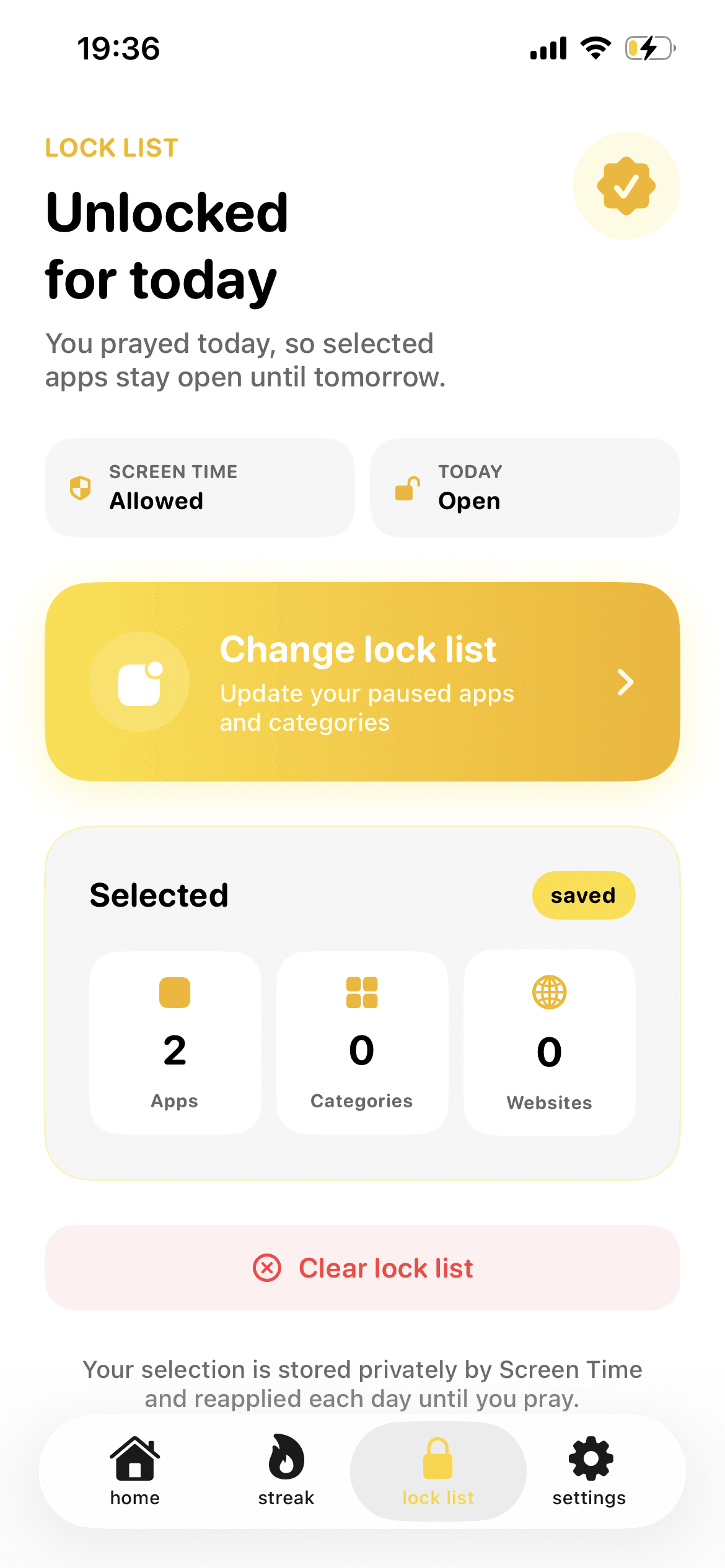
How it works
Lumen is designed for Christians who want to build a daily prayer habit, reduce distracting screen time, and create more intentional phone habits.
Select the apps you want Prayer Lock to temporarily lock.
Pause, reflect, and complete a short Bible-inspired prayer.
Unlock the selected app and continue your day with renewed focus.
Lumen runs on iOS 17.0 or later. Read the FAQ for details about privacy, subscriptions, and app access.
Pricing
Lumen is free to download from the Apple App Store. An active subscription is required for premium features, Prayer Lock, and unlimited prayer sessions.
Regional subscription prices are not currently published in the project or on this website. Apple shows the latest available options on the official App Store listing.
Free-trial details are not currently documented.
Read the FAQ for clear answers about Lumen.
FAQ
Learn how Prayer Lock works, what Lumen supports, and where to get the app.
Lumen is an iPhone prayer habit app that helps you put prayer before distracting apps. When you select apps to lock, Lumen adds a prayer-focused step before you can access them.
Lumen turns moments when you would normally open a distracting app into prompts to pause, reflect, and pray. It also includes prayer streaks and habit tracking to help you stay consistent.
Lumen's Prayer Lock uses Apple's Screen Time API to temporarily lock selected apps until you complete a short prayer.
Yes. You choose which apps to lock with Prayer Lock.
Lumen asks you to pause and reflect, then pray a short Bible-inspired prayer. After that prayer-focused step, the selected app can be unlocked.
Yes. Lumen is an iOS app for iPhone. The current App Store listing requires iOS 17.0 or later.
No. Lumen temporarily locks only the apps you select. Completing the required prayer-focused step allows those apps to be unlocked.
Lumen is free to download from the Apple App Store. An active subscription is required for premium features, Prayer Lock, and unlimited prayer sessions. Current subscription prices are shown by Apple and are not currently listed on this website.
The current public product information does not document a free trial. Check the App Store listing for the latest subscription terms.
The current public product information does not specify whether an internet connection is required. Contact Lumen support for current requirements.
Lumen's privacy policy says that no user accounts are created and no personally identifiable information is intentionally transmitted. It describes anonymized analytics and Apple, RevenueCat, and OpenAI as service providers; app usage data is handled as described in the privacy policy.
Lumen is available through the official Apple App Store listing. Use the App Store link on this website to download it.
Still have a question? Contact Lumen support.